
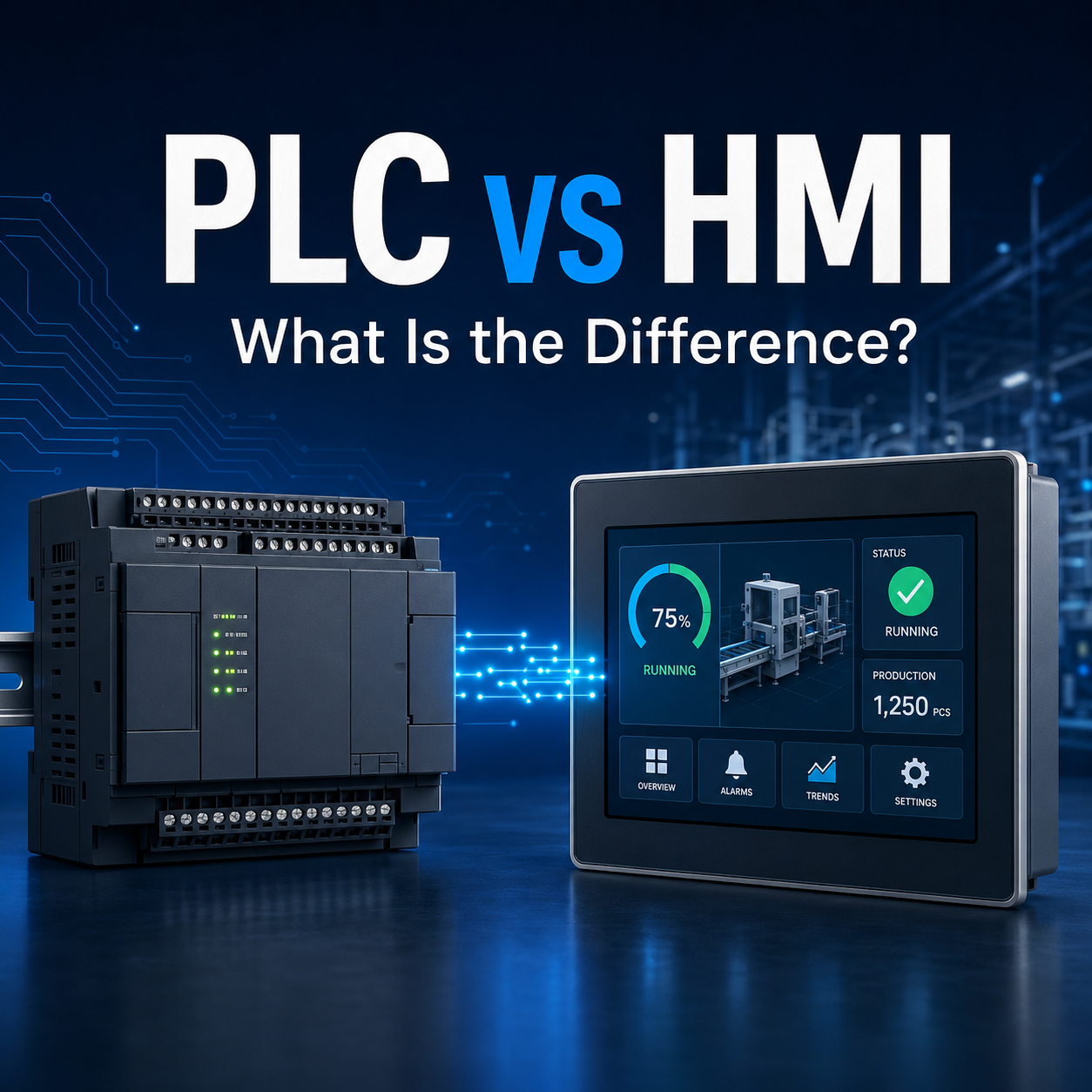
PLC and HMI are two essential components in many industrial automation systems, but they perform very different roles.
A Programmable Logic Controller (PLC) controls the machine or process. It receives signals from sensors, executes programmed logic and sends commands to equipment such as motors, valves, relays and actuators.
A Human Machine Interface (HMI) allows operators to interact with that control system. It displays machine status, operating values, alarms and production information while allowing authorised users to enter commands or adjust settings.
In simple terms, the PLC makes the control decisions, while the HMI shows what is happening and gives the operator a way to interact with the system.
PLC vs HMI at a Glance
| Feature | PLC | HMI |
|---|---|---|
| Full name | Programmable Logic Controller | Human Machine Interface |
| Primary role | Controls machines and industrial processes | Displays information and accepts operator input |
| Receives data from | Sensors, switches, encoders and other field devices | PLCs, controllers and connected devices |
| Sends commands to | Motors, valves, relays, actuators and other equipment | Usually sends operator commands or values to the PLC |
| Typical location | Inside an electrical control panel | On a machine panel or operator station |
| Programming | Control logic, sequences, timers and calculations | Screen layouts, buttons, indicators, alarms and data displays |
| Can operate without the other? | Often yes | Limited without a controller or connected device |
| Main users | Automation engineers and technicians | Machine operators, engineers and maintenance personnel |
What Is a PLC?
A PLC is an industrial controller designed to automate machinery and processes. It continuously monitors inputs, processes the programmed instructions and updates its outputs.
Typical PLC inputs include:
- Photoelectric and proximity sensors
- Push buttons and selector switches
- Pressure and temperature signals
- Limit switches
- Encoders
- Safety device status signals
Typical PLC outputs include:
- Contactors and relays
- Solenoid valves
- Motors and drives
- Indicator lights
- Buzzers
- Pneumatic and hydraulic actuators
The PLC programme determines how the system should respond to different operating conditions. For example, when a sensor detects a product on a conveyor, the PLC may activate a cylinder, stop a motor, update a counter or move the product to the next station.
How Does a PLC Work?
Most PLCs operate through a repeating scan cycle:
- Read the inputs
The PLC checks the latest status of connected sensors, switches and other input devices. - Execute the programme
It processes the control logic based on the input conditions and stored data. - Update the outputs
The PLC sends the required commands to motors, relays, valves and other output devices. - Perform communication and diagnostics
Depending on the model and configuration, it may exchange data with an HMI, another PLC, a servo system or a supervisory system.
This cycle repeats continuously. The scan time depends on the PLC model, programme complexity, communication load and number of connected devices.
A PLC can therefore continue controlling a machine even when no HMI is connected, provided its programme and operating conditions allow autonomous operation.
What Is an HMI?
An HMI is the interface between a person and an industrial control system. It converts PLC data into visual information that operators can understand and use.
An HMI screen may display:
- Machine running or stopped status
- Sensor conditions
- Temperature, pressure and speed
- Production count
- Motor and drive status
- Alarm messages
- Process trends
- Maintenance reminders
- Recipe or product settings
Operators may also use an HMI to:
- Start or stop an authorised process
- Change a speed or temperature setpoint
- Select a production recipe
- Reset an alarm
- Switch between automatic and manual modes
- Review operating history
The HMI does not usually perform the machine’s primary real-time control. Instead, it reads data from the PLC and writes authorised commands or values back to designated PLC registers.
The PLC then verifies those commands through its programmed conditions before operating the equipment.
How Does an HMI Work?
The HMI communicates with the PLC using a compatible physical connection and communication protocol.
The general process is:
- A sensor sends a signal to the PLC.
- The PLC processes the signal through its control programme.
- The PLC stores the resulting status or value in its memory.
- The HMI reads the relevant PLC address or tag.
- The HMI displays the information as text, a number, an indicator, a graph or an alarm.
- If an operator enters a command, the HMI writes that value to an authorised PLC address.
- The PLC checks the programme conditions before executing the command.
This separation is important. Pressing a button on the HMI does not have to activate an output directly. The PLC can first check safety conditions, machine mode, sensor status and other interlocks.
How Do PLC and HMI Work Together?
A PLC and HMI form a controller-and-interface relationship.
The PLC manages the control process, while the HMI gives operators visibility and controlled access to the system.
Consider an automated packaging line:
- A photoelectric sensor detects an incoming package.
- The PLC confirms the package position.
- The PLC activates the conveyor or packaging mechanism.
- The HMI displays the machine status and completed package count.
- If a sensor fails to detect the package within the expected time, the PLC generates an alarm condition.
- The HMI displays the alarm and provides information to help the operator identify the affected area.
The machine’s essential control remains in the PLC. The HMI makes that control system easier to operate, monitor and troubleshoot.
Key Differences Between PLC and HMI
1. Control Versus Interaction
The most important difference is their purpose.
The PLC controls the process. It makes decisions based on its programme and the signals received from connected equipment.
The HMI provides interaction. It presents information from the PLC and allows users to enter permitted commands or settings.
2. Connection to Field Devices
PLCs are designed to connect to industrial inputs and outputs, either directly or through expansion and remote I/O modules.
HMIs normally communicate with a PLC or another controller. They are not generally used as the primary interface for wiring numerous sensors, relays and actuators.
3. Programming Requirements
PLC programming focuses on:
- Machine sequences
- Boolean logic
- Timers and counters
- Calculations
- Analogue processing
- Motion commands
- Communication
- Fault handling
- Operational interlocks
HMI configuration focuses on:
- Screen navigation
- Buttons and data-entry fields
- Status indicators
- Alarm displays
- Trend graphs
- User access levels
- Recipe selection
- Data presentation
For example, the Panasonic FP7 PLC is programmed to process machine logic, communicate with connected equipment and control industrial operations. In comparison, the Panasonic GT707 HMI is configured to provide operator screens, switches, data displays, alarm information, graphs, recipes and data logging.
This shows the practical difference between the two: the PLC programme determines how the machine operates, while the HMI configuration determines how operators view and interact with that operation.
4. Installation Location
A PLC is commonly installed inside an electrical control panel, where it is connected to the machine’s power, input, output and communication wiring.
An HMI is usually installed where an operator can see and reach it, such as on a machine enclosure, control console or production station.
5. Response to HMI Failure
If an HMI screen fails, a properly designed PLC may continue running the machine because the control programme remains in the PLC.
However, the operator may lose access to:
- Machine status
- Setpoint adjustment
- Alarm details
- Recipe selection
- Manual controls
Whether production can continue safely depends on the system design. Critical physical controls and safety functions should not depend solely on the availability of a standard HMI.
6. Safety Functions
A standard PLC and HMI should not automatically be assumed to perform certified safety functions.
Emergency stops, safety light curtains, interlocks and other machine safety devices must be implemented according to the required safety architecture and applicable standards. An HMI emergency-stop graphic is not a substitute for a correctly designed physical safety circuit.
When Do You Need Both a PLC and an HMI?
Using both is suitable when the machine requires automatic control together with operator monitoring or adjustment.
Common applications include:
- Packaging machines
- Conveyor systems
- Assembly equipment
- Filling and labelling machines
- Material-handling systems
- Temperature-controlled equipment
- Semiconductor manufacturing equipment
- Water treatment systems
- Building automation
- Production monitoring systems
A PLC-only system may be sufficient for a small, fixed process with limited operator interaction. An HMI becomes more valuable as the number of machine states, settings, alarms and products increases.
Can an HMI Work Without a PLC?
An HMI can communicate directly with certain controllers, drives or intelligent devices if they use a compatible protocol. Some advanced interfaces may also include limited logic or control functions.
However, a conventional HMI is not normally a replacement for a PLC in a machine control system.
A PLC is better suited to:
- Continuous control cycles
- Fast input and output processing
- Complex machine sequences
- Industrial interlocking
- Expansion of field I/O
- Deterministic equipment control
For most industrial automation applications, the HMI should be treated as the user interface and the PLC as the main controller.
When Do You Need Both a PLC and an HMI?
Using both is suitable when the machine requires automatic control together with operator monitoring or adjustment.
Common applications include:
- Packaging machines
- Conveyor systems
- Assembly equipment
- Filling and labelling machines
- Material-handling systems
- Temperature-controlled equipment
- Semiconductor manufacturing equipment
- Water treatment systems
- Building automation
- Production monitoring systems
A PLC-only system may be sufficient for a small, fixed process with limited operator interaction. An HMI becomes more valuable as the number of machine states, settings, alarms and products increases.
How to Choose a PLC and HMI
Choosing the right PLC and HMI depends on the machine requirements, communication setup and operating environment.
Choosing a PLC
Consider these main factors:
- I/O requirements: Determine the number and type of digital, analogue, high-speed and positioning inputs and outputs.
- Processing capacity: More complex or time-sensitive applications may require faster processing and greater programme memory.
- Communication: Confirm compatibility with the HMI, servo drive, inverter, sensors and other connected equipment.
- Expansion: Allow reasonable capacity for future I/O, communication or motion-control requirements.
Explore our Panasonic programmable controllers for different machine sizes and automation requirements.
Choosing an HMI
Focus on:
- Screen and display: Select a suitable screen size, resolution and layout for the information operators need to view.
- PLC compatibility: Check the supported communication protocol, port and cable requirements.
- Operating environment: Consider temperature, dust, moisture, vibration and required front-panel protection.
- Operator functions: Determine whether you need alarm history, data logging, recipes, user access control or trend graphs.
For example, the Panasonic GT707 provides a 7-inch colour display with functions such as alarms, graphs, recipes, operation security and data logging. You can also explore Wentech’s complete range of Panasonic Human Machine Interface products.
PLC and HMI Compatibility: What Should You Check?
A PLC and HMI should be selected as a connected system, not as two unrelated products.
Before purchasing, confirm:
- PLC and HMI model compatibility
- Supported communication protocol
- Available communication ports
- Cable and connector requirements
- PLC memory addresses or tags
- Communication speed and settings
- HMI configuration software
- PLC programming software
- Current product lifecycle and replacement availability
Product lifecycle is especially important when replacing older equipment. Some older HMI models may be discontinued even though they remain installed in existing machinery.
Common PLC and HMI Misconceptions
“An HMI controls the entire machine”
The operator may issue commands through the HMI, but the PLC normally processes those commands and controls the equipment.
“A touchscreen can replace all physical controls”
An HMI can reduce the number of physical buttons and indicators, but critical controls and safety devices may still require dedicated hardware.
“Any HMI can connect to any PLC”
Successful communication depends on compatible protocols, ports, cables, addressing and software configuration.
“A larger HMI improves PLC performance”
HMI screen size does not increase the PLC’s processing capability. PLC and HMI specifications must be selected according to their separate roles.
“The machine must stop if the HMI fails”
Not necessarily. The PLC may continue operating, but the effect of HMI failure depends on how the machine and operator controls were designed.
Find the Right PLC and HMI Solution
Need help selecting a compatible Panasonic PLC and HMI? Share your machine requirements, I/O count and communication needs with Wention Technology for product selection assistance.
Frequently Asked Questions (FAQs)
Is an HMI the same as a PLC?
No. A PLC controls the machine or process, while an HMI displays information and allows operators to interact with the PLC system.
Does an HMI need a PLC?
Not always, because some HMIs can communicate with other intelligent controllers or devices. However, most industrial machine applications use an HMI together with a PLC.
Can a PLC run without an HMI?
Yes. A programmed PLC can control a machine without an HMI, provided the system has suitable physical controls or does not require regular operator input.
Does the HMI store the PLC programme?
Normally, no. The PLC control programme is stored in the PLC. The HMI stores its own screens, communication settings and interface configuration.
What happens if the HMI loses communication with the PLC?
The HMI may stop updating values or accepting effective commands. The PLC may continue operating according to its programme, depending on how communication-loss handling has been designed.
How are a PLC and HMI connected?
They may be connected through Ethernet, serial communication or another supported industrial network. The exact connection depends on the models, ports and communication protocols.
Which should I choose first, the PLC or HMI?
Start with the machine’s control and I/O requirements to select the PLC. Then choose an HMI that supports the PLC, communication method, required screen size and operator functions.
Can I connect a different HMI brand to a Panasonic PLC?
It may be possible if the HMI supports the Panasonic PLC protocol and both devices have compatible communication interfaces. Compatibility should be confirmed before purchase.